Close Menu
  • Home
  • Start Here
  • About
  • Guides
    • Security Cameras
    • DIY Alarm Systems
    • Smart Locks
    • Video Doorbells
    • Smart Home Security
    • Buying & Setup Guides
  • Contact

Build Your Security Plan

Practical DIY guidance for U.S. homeowners and renters.

Start with the checklist
Start Here

Self-Monitoring vs. Professional Monitoring: How to Choose

Home Security Costs: Build a Three-Year DIY Budget

Renter-Friendly Home Security: Plan a Portable DIY Setup

Facebook X (Twitter) Instagram
  • Home
  • Start Here
  • About
  • Guides
    • Security Cameras
    • DIY Alarm Systems
    • Smart Locks
    • Video Doorbells
    • Smart Home Security
    • Buying & Setup Guides
  • Contact
Facebook X (Twitter) Instagram Pinterest
MARTIN GUARD
Start Here
HOT TOPICS
  • Start Here
  • Security Cameras
  • DIY Alarm Systems
  • All Guides
MARTIN GUARD
You are at:Home»Smart Home Security»Smart Home Compatibility: What to Check Before You Buy
Smart Home Security

Smart Home Compatibility: What to Check Before You Buy

bmichartBy bmichartNovember 6, 2026012 Mins Read
Share Facebook Twitter Pinterest LinkedIn Tumblr Email
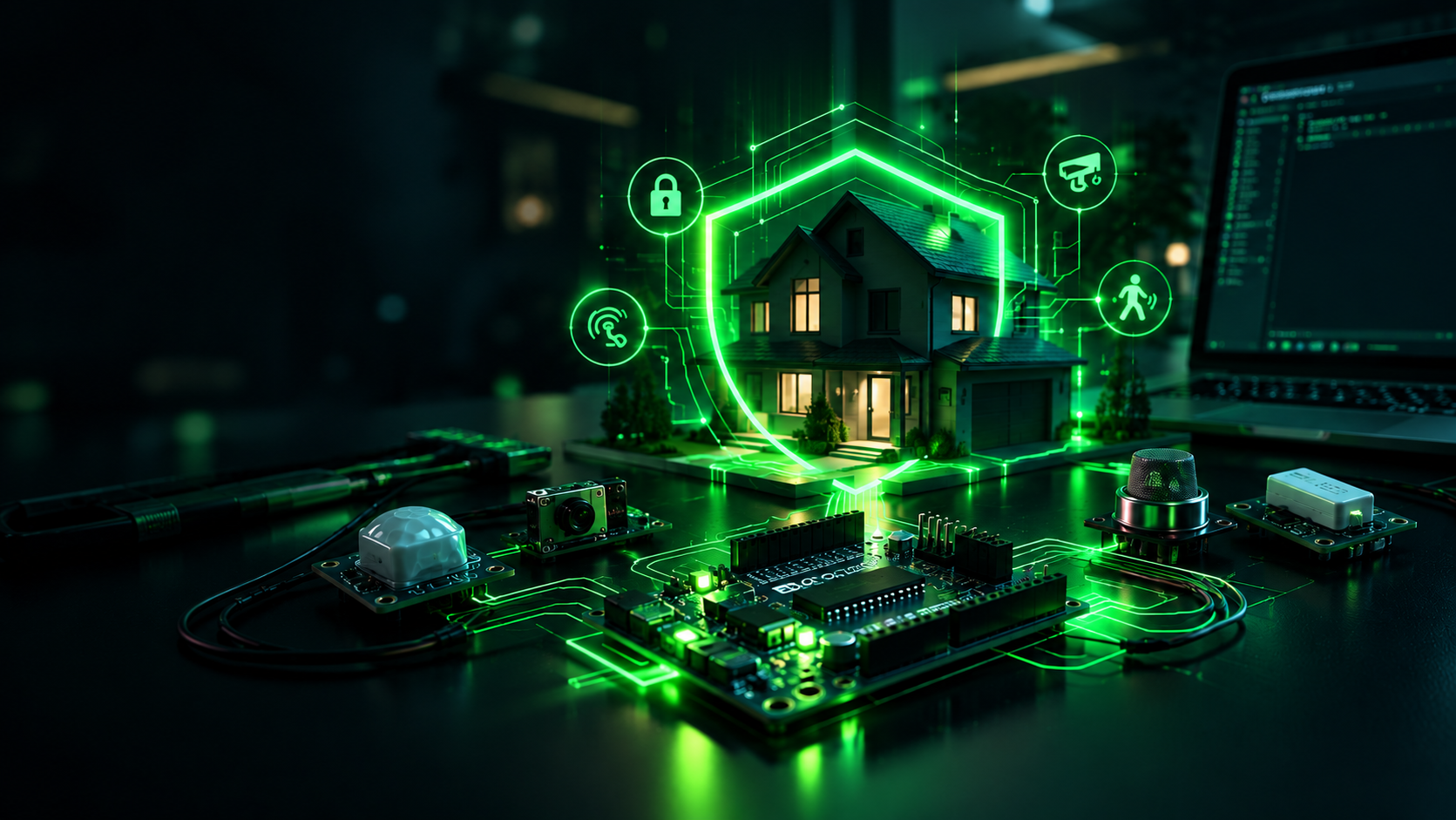
Illustration of a connected home security system
Illustrative artwork; not a photograph of a tested product.
Share
Facebook Twitter LinkedIn Pinterest Email

“Works with” is the start of a compatibility check, not the end. Two products can connect to the same voice assistant while offering very different control, recording, and alarm features. Build your plan around the task you want to perform, then verify the exact model and required accessories.

Separate connection from functionality

A device might support live view on a smart display but not recording in the platform’s app. A door sensor might appear in a home dashboard without being usable as an alarm trigger. A smart lock might support local control but require additional hardware for remote access. Write down each required function before comparing logos.

Check the full chain

  • Exact device model and regional version.
  • Required hub, bridge, controller, or border router.
  • Supported Wi-Fi band or other radio protocol.
  • App, phone operating system, and account requirements.
  • Subscription needed for the particular feature.
  • Behavior when internet or a cloud service is unavailable.

Do not assume protocol names promise every feature

Matter, Thread, Zigbee, Z-Wave, Bluetooth, and Wi-Fi describe different parts of how devices connect or communicate. Support depends on device type, specification version, controller implementation, and firmware. Check the manufacturer’s current compatibility list for the exact combination rather than inferring support from a protocol name.

Start with one small test

Before buying enough devices for the whole house, test one supported setup within the return period. Confirm that household members can use it, notifications reach the right phones, and the automation behaves after a restart. Keep manual control available for locks and essential lighting.

Keep security automations predictable

Use caution with routines that unlock doors or disarm alarms automatically. Consider what happens if a phone is borrowed, location detection is delayed, or a voice command is misunderstood. Prefer simple, understandable actions and test failure cases before relying on them.

Use the planning checklist to define your requirements and the cost worksheet to account for hubs, bridges, and subscriptions.

Share. Facebook Twitter Pinterest LinkedIn Tumblr Email
Previous ArticleSmart Home Account Security: A Household Checklist
Next Article DIY Home Security Checklist: Plan Your Setup Step by Step
bmichart
  • Website

Related Posts

Smart Home Account Security: A Household Checklist

November 6, 2026

How to Secure Wi-Fi for Your Smart Home

November 6, 2026
Add A Comment
Leave A Reply Cancel Reply

Start Your DIY Security Plan

Choose practical protection for your home, budget, and everyday routine.

Read the checklist

Essential Security Guides

Self-Monitoring vs. Professional Monitoring: How to Choose

November 6, 2026

Home Security Costs: Build a Three-Year DIY Budget

November 6, 2026

Renter-Friendly Home Security: Plan a Portable DIY Setup

November 6, 2026
Latest Security Guides

Self-Monitoring vs. Professional Monitoring: How to Choose

By bmichartNovember 6, 2026

Home Security Costs: Build a Three-Year DIY Budget

By bmichartNovember 6, 2026

Renter-Friendly Home Security: Plan a Portable DIY Setup

By bmichartNovember 6, 2026

Build Your Security Plan

Practical DIY guidance for U.S. homeowners and renters.

Start with the checklist

Questions or Corrections?

Email info@martinguard.com. Include the guide URL and keep passwords and access codes private.

Security Planning

Self-Monitoring vs. Professional Monitoring: How to Choose

November 6, 2026

Home Security Costs: Build a Three-Year DIY Budget

November 6, 2026

Renter-Friendly Home Security: Plan a Portable DIY Setup

November 6, 2026
Latest DIY Guides

Self-Monitoring vs. Professional Monitoring: How to Choose

Home Security Costs: Build a Three-Year DIY Budget

Renter-Friendly Home Security: Plan a Portable DIY Setup

Build Your Security Plan

Practical DIY guidance for U.S. homeowners and renters.

Start with the checklist
© 2026 MARTIN GUARD. DIY Home Security Guides.
  • About
  • Editorial Policy
  • Affiliate Disclosure
  • Privacy Policy
  • Contact

Type above and press Enter to search. Press Esc to cancel.