Close Menu
  • Home
  • Start Here
  • About
  • Guides
    • Security Cameras
    • DIY Alarm Systems
    • Smart Locks
    • Video Doorbells
    • Smart Home Security
    • Buying & Setup Guides
  • Contact

Build Your Security Plan

Practical DIY guidance for U.S. homeowners and renters.

Start with the checklist
Start Here

Self-Monitoring vs. Professional Monitoring: How to Choose

Home Security Costs: Build a Three-Year DIY Budget

Renter-Friendly Home Security: Plan a Portable DIY Setup

Facebook X (Twitter) Instagram
  • Home
  • Start Here
  • About
  • Guides
    • Security Cameras
    • DIY Alarm Systems
    • Smart Locks
    • Video Doorbells
    • Smart Home Security
    • Buying & Setup Guides
  • Contact
Facebook X (Twitter) Instagram Pinterest
MARTIN GUARD
Start Here
HOT TOPICS
  • Start Here
  • Security Cameras
  • DIY Alarm Systems
  • All Guides
MARTIN GUARD
You are at:Home»Security Cameras»Local vs. Cloud Camera Storage: Costs, Privacy, and Backup
Security Cameras

Local vs. Cloud Camera Storage: Costs, Privacy, and Backup

bmichartBy bmichartNovember 6, 2026002 Mins Read
Share Facebook Twitter Pinterest LinkedIn Tumblr Email
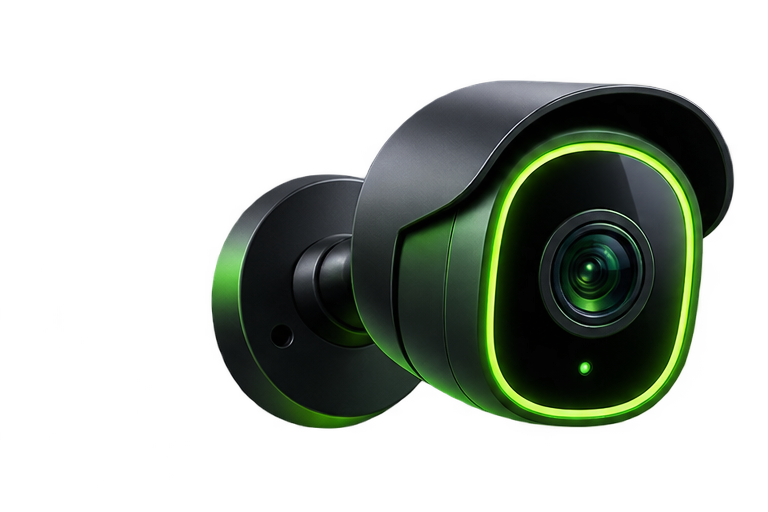
Illustration of an outdoor home security camera
Illustrative artwork; not a photograph of a tested product.
Share
Facebook Twitter LinkedIn Pinterest Email

Camera storage determines what you can review after an event. Local recording can keep footage on a memory card or recorder at home. Cloud recording stores footage with a service provider. Some systems combine both. The right choice depends on retention, remote access, outage behavior, and how much ongoing maintenance you can manage.

Local storage: control with responsibilities

A memory card or network video recorder can reduce dependence on a cloud recording subscription, but “local” does not automatically mean free, private, or usable without internet. A camera may still need a vendor account for setup or remote access. Verify supported card capacity, overwrite behavior, encryption options, and whether recording continues when internet service is unavailable.

Keep the recorder in a reasonably protected location and check drive or card health. If the camera is stolen with its card, the only copy may be gone. Export important clips promptly and keep an additional copy somewhere appropriate.

Cloud storage: convenient access with plan limits

Cloud services may preserve clips away from the property, but availability and features depend on the plan. Read the terms for the exact model and region. Look for retention length, limits on the number of cameras, event versus continuous recording, download restrictions, and what remains after a free trial ends.

QuestionLocalCloud
Where are clips kept?Card or recorder you maintainProvider’s storage service
Ongoing cost?Hardware and eventual replacements; optional servicesOften a recurring recording plan
Internet outage?Model-dependent offline recordingUpload may stop; local fallback varies
Theft of equipment?Footage may leave with itAlready uploaded footage may remain accessible

Run a recovery test before you need footage

Record a short test event, locate the clip the next day, and export it. Check the timestamp, audio setting, resolution, and whether the exported file plays outside the vendor app. Repeat after a plan change or major software update. Keep device clock and time zone settings accurate for your U.S. location, including daylight saving where applicable.

Protect access to either storage type

Use a unique password and enable multifactor authentication when offered. Review household access and remove old users. For camera-specific guidance, the FTC’s camera security checklist is a useful starting point.

Do not choose storage from the subscription headline alone. Compare the total cost of ownership and the network security setup that supports your cameras.

Share. Facebook Twitter Pinterest LinkedIn Tumblr Email
Previous ArticleWired vs. Wireless Security Cameras: What Fits Your Home?
Next Article DIY Alarm Systems: A Practical Starter Guide
bmichart
  • Website

Related Posts

Wired vs. Wireless Security Cameras: What Fits Your Home?

November 6, 2026

Where to Place Home Security Cameras: A DIY Coverage Guide

January 14, 2021
Add A Comment
Leave A Reply Cancel Reply

Start Your DIY Security Plan

Choose practical protection for your home, budget, and everyday routine.

Read the checklist

Essential Security Guides

Self-Monitoring vs. Professional Monitoring: How to Choose

November 6, 2026

Home Security Costs: Build a Three-Year DIY Budget

November 6, 2026

Renter-Friendly Home Security: Plan a Portable DIY Setup

November 6, 2026
Latest Security Guides

Self-Monitoring vs. Professional Monitoring: How to Choose

By bmichartNovember 6, 2026

Home Security Costs: Build a Three-Year DIY Budget

By bmichartNovember 6, 2026

Renter-Friendly Home Security: Plan a Portable DIY Setup

By bmichartNovember 6, 2026

Build Your Security Plan

Practical DIY guidance for U.S. homeowners and renters.

Start with the checklist

Questions or Corrections?

Email info@martinguard.com. Include the guide URL and keep passwords and access codes private.

Security Planning

Self-Monitoring vs. Professional Monitoring: How to Choose

November 6, 2026

Home Security Costs: Build a Three-Year DIY Budget

November 6, 2026

Renter-Friendly Home Security: Plan a Portable DIY Setup

November 6, 2026
Latest DIY Guides

Self-Monitoring vs. Professional Monitoring: How to Choose

Home Security Costs: Build a Three-Year DIY Budget

Renter-Friendly Home Security: Plan a Portable DIY Setup

Build Your Security Plan

Practical DIY guidance for U.S. homeowners and renters.

Start with the checklist
© 2026 MARTIN GUARD. DIY Home Security Guides.
  • About
  • Editorial Policy
  • Affiliate Disclosure
  • Privacy Policy
  • Contact

Type above and press Enter to search. Press Esc to cancel.