Close Menu
  • Home
  • Start Here
  • About
  • Guides
    • Security Cameras
    • DIY Alarm Systems
    • Smart Locks
    • Video Doorbells
    • Smart Home Security
    • Buying & Setup Guides
  • Contact

Build Your Security Plan

Practical DIY guidance for U.S. homeowners and renters.

Start with the checklist
Start Here

Self-Monitoring vs. Professional Monitoring: How to Choose

Home Security Costs: Build a Three-Year DIY Budget

Renter-Friendly Home Security: Plan a Portable DIY Setup

Facebook X (Twitter) Instagram
  • Home
  • Start Here
  • About
  • Guides
    • Security Cameras
    • DIY Alarm Systems
    • Smart Locks
    • Video Doorbells
    • Smart Home Security
    • Buying & Setup Guides
  • Contact
Facebook X (Twitter) Instagram Pinterest
MARTIN GUARD
Start Here
HOT TOPICS
  • Start Here
  • Security Cameras
  • DIY Alarm Systems
  • All Guides
MARTIN GUARD
You are at:Home»Video Doorbells»How to Tune Video Doorbell Motion Alerts
Video Doorbells

How to Tune Video Doorbell Motion Alerts

bmichartBy bmichartNovember 6, 2026002 Mins Read
Share Facebook Twitter Pinterest LinkedIn Tumblr Email
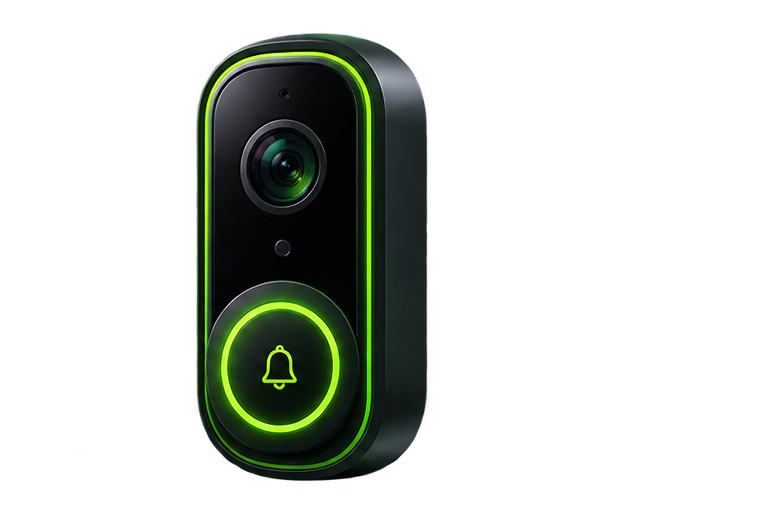
Illustration of a video doorbell
Illustrative artwork; not a photograph of a tested product.
Share
Facebook Twitter LinkedIn Pinterest Email

Useful doorbell alerts should tell you when someone approaches your entry without making you ignore every notification. Start with a short baseline test, then change one setting at a time. A quieter phone is not a success if visitors disappear from recordings.

Identify what is causing the alerts

Review several clips. Is the trigger a person, a vehicle on the street, branches, a pet, or a lighting change? Identify the pattern before narrowing zones. Check whether the camera has separate controls for recording, detection, and notification; some models can record events without notifying you about every one.

Understand zones and masks

An activity zone usually marks where motion should produce an alert. A privacy mask hides part of the image on supported devices. These features are not interchangeable, and their behavior varies. Read the model’s documentation to learn whether a masked area is excluded from recording, live view, or both.

Make small adjustments

  1. Aim the camera toward your approach and away from unnecessary street traffic.
  2. Set a zone that includes the path to the door and package area.
  3. Reduce sensitivity in small steps if unwanted triggers continue.
  4. Walk to the door along different routes and review the saved clips.
  5. Repeat the test after dark and after a few ordinary days of use.

Check the phone as well as the camera

Missed alerts may come from notification permissions, focus modes, battery restrictions, or poor cellular service. Verify app permissions and test with the phone locked. If recordings exist but notifications do not arrive, do not immediately replace the doorbell; investigate the notification path first.

Know the limits of detection labels

Person and package detection can be useful filters, but they are not guarantees. Features may depend on a paid plan and may misclassify events. Review the terms after a trial ends and repeat your approach test after a major app or firmware change.

For physical setup checks, use our installation checklist. If clips are missing, review recording and storage options.

Share. Facebook Twitter Pinterest LinkedIn Tumblr Email
Previous ArticleVideo Doorbell Installation: A Preflight and Test Checklist
Next Article How to Secure Wi-Fi for Your Smart Home
bmichart
  • Website

Related Posts

Video Doorbell Installation: A Preflight and Test Checklist

November 6, 2026

Video Doorbell Buying Guide for U.S. Homes and Apartments

November 6, 2026
Add A Comment
Leave A Reply Cancel Reply

Start Your DIY Security Plan

Choose practical protection for your home, budget, and everyday routine.

Read the checklist

Essential Security Guides

Self-Monitoring vs. Professional Monitoring: How to Choose

November 6, 2026

Home Security Costs: Build a Three-Year DIY Budget

November 6, 2026

Renter-Friendly Home Security: Plan a Portable DIY Setup

November 6, 2026
Latest Security Guides

Self-Monitoring vs. Professional Monitoring: How to Choose

By bmichartNovember 6, 2026

Home Security Costs: Build a Three-Year DIY Budget

By bmichartNovember 6, 2026

Renter-Friendly Home Security: Plan a Portable DIY Setup

By bmichartNovember 6, 2026

Build Your Security Plan

Practical DIY guidance for U.S. homeowners and renters.

Start with the checklist

Questions or Corrections?

Email info@martinguard.com. Include the guide URL and keep passwords and access codes private.

Security Planning

Self-Monitoring vs. Professional Monitoring: How to Choose

November 6, 2026

Home Security Costs: Build a Three-Year DIY Budget

November 6, 2026

Renter-Friendly Home Security: Plan a Portable DIY Setup

November 6, 2026
Latest DIY Guides

Self-Monitoring vs. Professional Monitoring: How to Choose

Home Security Costs: Build a Three-Year DIY Budget

Renter-Friendly Home Security: Plan a Portable DIY Setup

Build Your Security Plan

Practical DIY guidance for U.S. homeowners and renters.

Start with the checklist
© 2026 MARTIN GUARD. DIY Home Security Guides.
  • About
  • Editorial Policy
  • Affiliate Disclosure
  • Privacy Policy
  • Contact

Type above and press Enter to search. Press Esc to cancel.