Close Menu
  • Home
  • Start Here
  • About
  • Guides
    • Security Cameras
    • DIY Alarm Systems
    • Smart Locks
    • Video Doorbells
    • Smart Home Security
    • Buying & Setup Guides
  • Contact

Build Your Security Plan

Practical DIY guidance for U.S. homeowners and renters.

Start with the checklist
Start Here

Self-Monitoring vs. Professional Monitoring: How to Choose

Home Security Costs: Build a Three-Year DIY Budget

Renter-Friendly Home Security: Plan a Portable DIY Setup

Facebook X (Twitter) Instagram
  • Home
  • Start Here
  • About
  • Guides
    • Security Cameras
    • DIY Alarm Systems
    • Smart Locks
    • Video Doorbells
    • Smart Home Security
    • Buying & Setup Guides
  • Contact
Facebook X (Twitter) Instagram Pinterest
MARTIN GUARD
Start Here
HOT TOPICS
  • Start Here
  • Security Cameras
  • DIY Alarm Systems
  • All Guides
MARTIN GUARD
You are at:Home»Smart Locks»Smart Lock Guest Codes: A Safer Access Routine
Smart Locks

Smart Lock Guest Codes: A Safer Access Routine

bmichartBy bmichartNovember 6, 2026012 Mins Read
Share Facebook Twitter Pinterest LinkedIn Tumblr Email
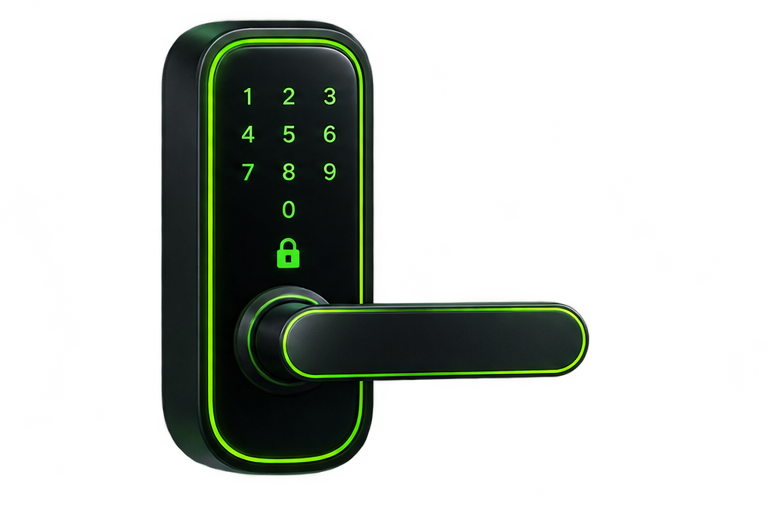
Illustration of a keypad smart lock
Illustrative artwork; not a photograph of a tested product.
Share
Facebook Twitter LinkedIn Pinterest Email

Smart lock access is easier to manage when each person has only the access they need. Use individual codes or invitations where supported instead of sharing one permanent code with family, contractors, and occasional visitors.

Separate owners, household members, and guests

Keep administrator privileges limited to people who maintain the system. A guest who only needs to enter the front door generally does not need access to cameras, account recovery, or every device in the home. Review what an app invitation actually grants before sending it.

Choose the right code duration

  • Household member: an individual code that can be revoked independently.
  • One-time visitor: a single-use code if the model supports it, or a short scheduled window.
  • Recurring helper: access limited to the agreed days and times.
  • Temporary stay: a defined start and end date, checked before arrival.

Features vary by model and plan. A code schedule may be stored on the lock or require a connection to update. Verify that a newly revoked code no longer works at the door rather than assuming the app change has reached the device.

Do not overlook the alarm

A door code may unlock the door without disarming the alarm. Explain the arrival routine and provide a separate authorized alarm code where needed. Avoid connecting unlock and disarm automations until you understand the security tradeoff and have tested them.

Review access after a change

Remove expired invitations, revoke unneeded codes, and inspect access logs when something unexpected occurs. If a phone is lost, use the vendor’s account controls to revoke sessions and review the phone’s own security options. Preserve a safe backup entry method so account recovery does not lock everyone out.

Do not publish keypad codes or screenshots that reveal device addresses or schedules. Keep recovery codes separate from the phone that controls the lock.

For hardware checks, read the smart lock buying guide. For the rest of the household’s connected devices, see account security for smart homes.

Share. Facebook Twitter Pinterest LinkedIn Tumblr Email
Previous ArticleSmart Lock Installation Checklist: Before and After Setup
Next Article Video Doorbell Buying Guide for U.S. Homes and Apartments
bmichart
  • Website

Related Posts

Smart Lock Installation Checklist: Before and After Setup

November 6, 2026

Smart Lock Buying Guide: Fit, Access, and Everyday Reliability

November 6, 2026
Add A Comment
Leave A Reply Cancel Reply

Start Your DIY Security Plan

Choose practical protection for your home, budget, and everyday routine.

Read the checklist

Essential Security Guides

Self-Monitoring vs. Professional Monitoring: How to Choose

November 6, 2026

Home Security Costs: Build a Three-Year DIY Budget

November 6, 2026

Renter-Friendly Home Security: Plan a Portable DIY Setup

November 6, 2026
Latest Security Guides

Self-Monitoring vs. Professional Monitoring: How to Choose

By bmichartNovember 6, 2026

Home Security Costs: Build a Three-Year DIY Budget

By bmichartNovember 6, 2026

Renter-Friendly Home Security: Plan a Portable DIY Setup

By bmichartNovember 6, 2026

Build Your Security Plan

Practical DIY guidance for U.S. homeowners and renters.

Start with the checklist

Questions or Corrections?

Email info@martinguard.com. Include the guide URL and keep passwords and access codes private.

Security Planning

Self-Monitoring vs. Professional Monitoring: How to Choose

November 6, 2026

Home Security Costs: Build a Three-Year DIY Budget

November 6, 2026

Renter-Friendly Home Security: Plan a Portable DIY Setup

November 6, 2026
Latest DIY Guides

Self-Monitoring vs. Professional Monitoring: How to Choose

Home Security Costs: Build a Three-Year DIY Budget

Renter-Friendly Home Security: Plan a Portable DIY Setup

Build Your Security Plan

Practical DIY guidance for U.S. homeowners and renters.

Start with the checklist
© 2026 MARTIN GUARD. DIY Home Security Guides.
  • About
  • Editorial Policy
  • Affiliate Disclosure
  • Privacy Policy
  • Contact

Type above and press Enter to search. Press Esc to cancel.